
BLOG | Don't Get Hooked: A Practical Phishing Guide for Tasmanian Small Businesses and Not-for-Profits
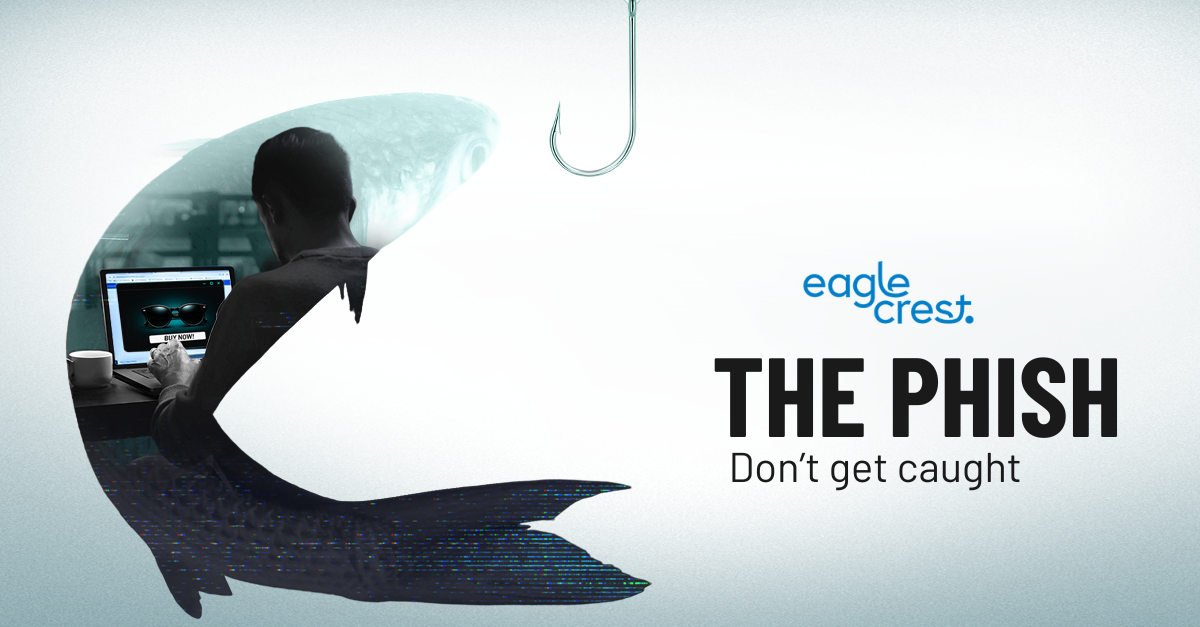
Imagine starting your day when an email from a familiar supplier, funding partner or community contact lands in your inbox. It looks legitimate. The branding is familiar and the message sounds professional. But hidden inside is a phishing trap.
AI is helping cybercriminals create polished, personalized messages that are harder than ever to spot. For Tasmanian small businesses and not-for-profit organizations, one successful attack can interrupt services, expose personal information and place limited budgets under pressure. Owners, managers, board members, volunteers and employees all need to understand these evolving threats and know how to respond.
The most common phishing myth
It’s easy to assume that phishing scams are simple to spot because they contain poor grammar, suspicious links or obvious requests for sensitive information.
That’s no longer the case.
Cybercriminals now use AI to create convincing messages that appear to come from colleagues, suppliers, banks, government agencies, donors and other trusted contacts. Some even use AI-generated voices or videos to impersonate a familiar person.
Even careful, well-trained employees and volunteers can be tricked by messages that sound and look real.
Common types of phishing scams
Phishing can happen through email, text messages, phone calls, QR codes and workplace communication platforms. It can target anyone who handles payments, payroll, donations, grants, client information or online accounts. Knowing the most common tactics can help your team spot trouble early.
Email phishing: Attackers send emails that appear to come from a trusted supplier, bank, government agency, donor or service provider. These messages may contain malicious links or attachments designed to steal information, install malware or gain access to business and community organization accounts.
AI-powered phishing: Cybercriminals can create convincing messages based on information found online. They may copy someone’s writing style, mention a real business relationship or use details about an employee’s role to make a request appear legitimate.
Spear phishing: This scam targets a specific person or business. Attackers research their victim and use relevant details to create a highly personalized message that is more likely to gain the recipient’s trust.
Business email compromise: In a business email compromise (BEC) scam, an attacker impersonates an owner, manager, employee, board member or supplier to request a payment, change banking details, redirect payroll or obtain sensitive information.
Smishing: This type of phishing attack uses text messages to persuade recipients to click a malicious link, call a fraudulent number or share account information.
Vishing and voice cloning: Vishing involves fraudulent phone or voice messages from someone claiming to represent a trusted organization or person. With AI voice-cloning tools, attackers may also imitate the voice of an owner, manager, colleague, board member or family member to make an urgent request more believable.
QR-code phishing: Also known as quishing, this tactic uses a malicious QR code to direct someone to a fake website. The code may appear in an email, document, invoice, poster or package and can be difficult for traditional email filters to inspect.
How to protect your small business or not-for-profit from phishing
You do not need a large IT team or budget to reduce your risk. Start with these practical steps:
· Give employees, volunteers and board members simple, regular training on AI-generated emails, voice cloning and other emerging phishing tactics.
· Use reliable email security tools to help detect malicious links, attachments and impersonation attempts before they reach inboxes.
· Enable multi-factor authentication for email, banking, cloud services and other important accounts. Use pass keys or security keys where possible.
· Confirm urgent requests involving payments, bank details, passwords or sensitive data by calling a known contact number or using another trusted channel.
· Review the employee, volunteer and organization details published on websites and social media and remove anything attackers could use to personalize a scam.
· Keep software, devices and security tools up to date, and retire systems that are no longer supported.
· Create a straightforward way for employees and volunteers to report suspicious messages quickly, without fear of blame.
Let’s strengthen your phishing defenses
Phishing attacks are not just an IT problem. For a small Tasmanian business or not-for-profit, one convincing message can expose client, member or donor information, interrupt services, redirect funds and damage the trust you have worked hard to build.
That’s where we come in. We help Tasmanian small businesses and not-for-profit organizations identify vulnerabilities, strengthen everyday security and put practical safeguards in place without unnecessary complexity.
ACTION Item(s)
Email us from our contact us page if you would like to know more.
We would strongly recommend you and your board starting the process to understand the SMB1001 framework.
Subscribe below for our weekly e-newsletter to help educate yourself or someone that you know is struggling in this area