BLOG | What’s Hiding in Your IT Closet?
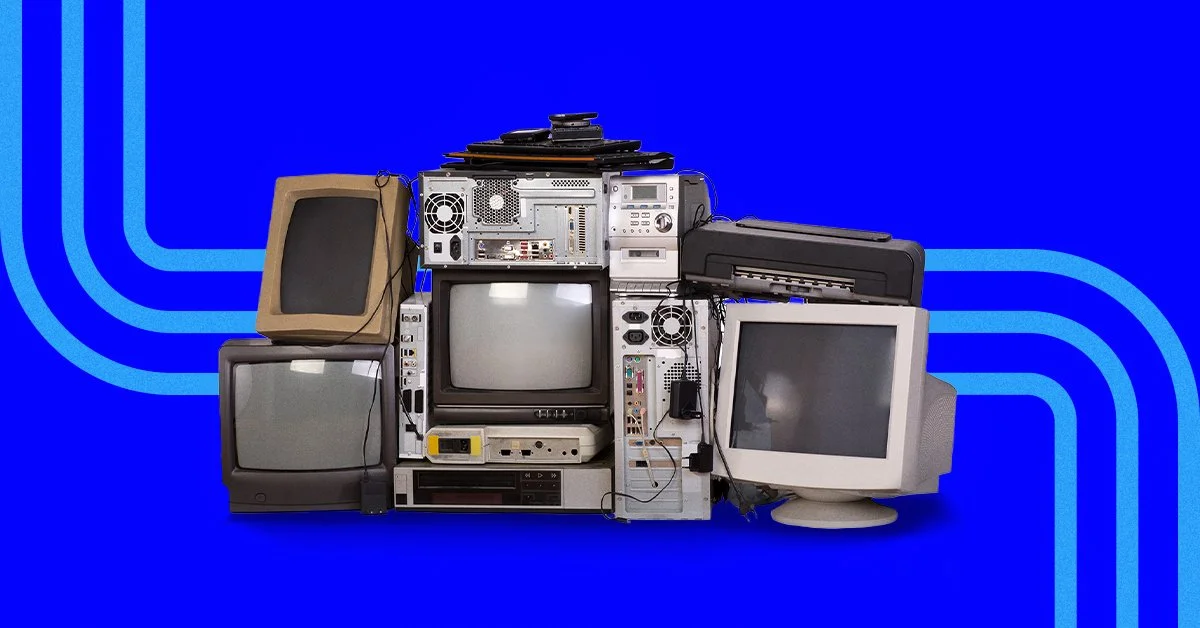
What’s hiding in your IT “cupboard”? A reality for Tasmanian nonprofits and small businesses
When was the last time you opened that one cupboard you tend to avoid?
It looks fine from the outside. The door closes properly, nothing falls out, and it doesn’t demand attention.
But inside, it’s a mix of things you’re not quite sure about — items you’ve held onto “just in case,” quick fixes from busy periods, and things you meant to sort out later.
It’s not a disaster. It’s just crowded.
For many nonprofits and small businesses across Tasmania, their IT environment looks exactly the same.
How IT clutter builds over time
IT clutter doesn’t happen all at once. It builds gradually:
A new tool is added to solve an immediate problem
Another system is introduced as the organisation grows
A quick workaround helps the team get through a busy period
Older software stays in place because removing it feels risky
Each decision makes sense at the time — especially in smaller teams where speed matters.
But without stepping back to look at the bigger picture, these changes slowly create complexity.
And because nothing is obviously broken, there’s no urgency to simplify.
In many cases, messy IT isn’t a failure — it’s a sign your organisation has been adapting and growing.
What’s often hiding beneath the surface
Across Tasmanian nonprofits and SMEs, IT environments often contain:
Tools that are rarely (or no longer) used
Multiple systems doing similar jobs
Older software that’s just “always been there”
Former staff or volunteer access that hasn’t been removed
Temporary fixes that have quietly become permanent
None of these feel urgent on their own — which is why they’re easy to overlook.
How hidden clutter affects your organisation
IT clutter doesn’t usually cause major breakdowns. Instead, it creates small, everyday friction:
Staff aren’t sure which system to use
Information is spread across multiple places
Simple decisions take longer
Time is spent maintaining tools that add little value
Costs increase in small, hard-to-see ways
For nonprofits and small businesses with limited time and funding, this adds unnecessary pressure.
Individually, these issues seem minor. Together, they slow everything down.
The risk of leaving it too long
The longer clutter is left, the harder it becomes to untangle.
Older systems become harder to manage and support
Forgotten tools can suddenly become critical when something changes
Workarounds become embedded in day-to-day operations
Unexpected issues become more likely — and often at the worst time
Ignoring the problem doesn’t keep things stable. It just makes future fixes more complicated.
Cleaning up doesn’t mean starting over
For most organisations, cleaning up IT doesn’t mean replacing everything.
It’s about being intentional:
Keep what works
Organise what’s useful
Remove or replace what no longer adds value
The goal isn’t disruption — it’s clarity and simplicity.
Creating space for growth
When your IT environment is organised, things feel different:
Your team knows where to go and what to use
Systems support your work instead of slowing it down
Changes feel manageable, not risky
Growth becomes more structured and sustainable
For Tasmanian organisations, that can mean more time focused on customers, clients, or community outcomes — instead of managing complexity.
You don’t need to fix everything at once.
Start with visibility:
What systems are you using?
What overlaps?
What’s no longer needed?
Who has access to what?
Opening the door and understanding what’s there is the first step.
Moving forward with clarity
If you’d like a second set of eyes, working with an IT partner can help you make sense of what’s in your environment.
With the right guidance, you can:
identify what’s worth keeping
safely remove what’s not needed
reduce hidden risks and inefficiencies
Sometimes, the biggest improvements come from simply clearing what’s in the way — and creating space for your organisation to move forward with confidence.
ACTION Item(s)
Email us from our contact us page if you would like to know more.
We would strongly recommend you and your board starting the process to understand the SMB1001 framework.
Subscribe below for our weekly e-newsletter to help educate yourself or someone that you know is struggling in this area.